Unity C# & Game Bug Fixing for AI-Assisted Projects
If your Unity or C# project built with AI assistance is glitching, lagging, or breaking in gameplay, I can help you repair the game logic and stabilize the project before it reaches users.
AI-assisted game development can generate scripts quickly, but even well-structured code can still suffer from gameplay logic issues, save system problems, broken interactions, and buggy systems that only show up during testing. These are exactly the issues that can turn a promising project into a frustrating one.
What I can fix
Whether you have a prototype, a small game project, or an AI-assisted Unity build with unstable mechanics, I can inspect the project and address the code paths that are failing. That includes gameplay logic, controller behavior, save systems, UI logic, object interactions, and backend or multiplayer-related integration issues.
The goal is not to replace your idea. It is to improve the implementation so the game is reliable, less fragile, and easier to iterate on.
Common issue areas
Gameplay Bugs
- Broken mechanics
- Physics issues
- Enemy or AI logic bugs
- Input problems
Unity Systems
- Scene or prefab issues
- Save and progress bugs
- UI state problems
- Code execution errors
Repair & Stability
- Logic cleanup
- Refactoring for readability
- Performance fixes
- Build stability work
Why this matters
- Gameplay bugs reduce player trust and hurt engagement.
- Save system issues create frustration and lost progress.
- Unity logic problems slow down iteration and increase release risk.
- Code cleanup makes future improvements much safer.
How we work
- Share your project, build, or screenshots showing the issue.
- I inspect the relevant gameplay or code areas.
- We agree on the root cause and the safest repair method.
- I fix the game logic and improve stability.
If your Unity or C# game built with AI assistance is unstable, I can help fix it. Tell me what is breaking and I will review the issues with you honestly.
A game can look good on paper but still fail in actual play. I focus on the parts that matter most to the player experience and the technical stability of the build.
Project Diagnosis & Code Repair Showcase
Here is how I approach AI-generated and unstable build projects: I inspect the code, isolate the root cause, and convert the app into a stable, launch-ready system with real-world resilience.
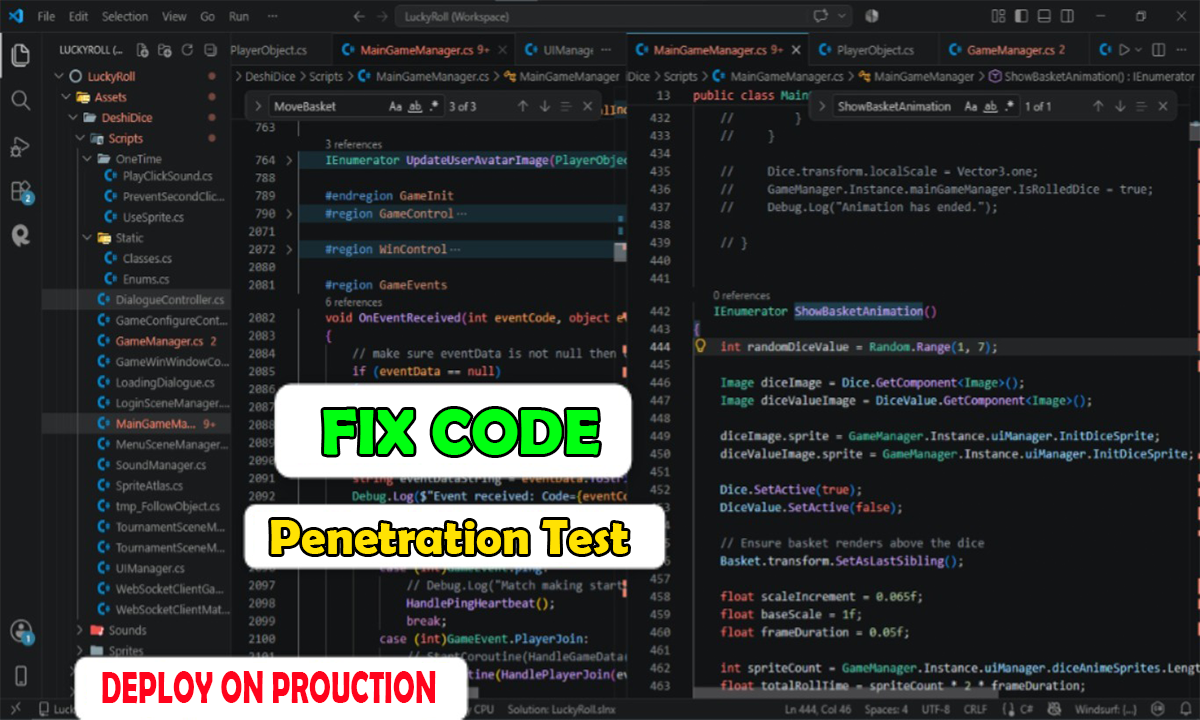
- Root cause analysis: I diagnose the real failure points instead of patching symptoms.
- Code stability: I remove logic gaps, broken dependencies, and inconsistent app state.
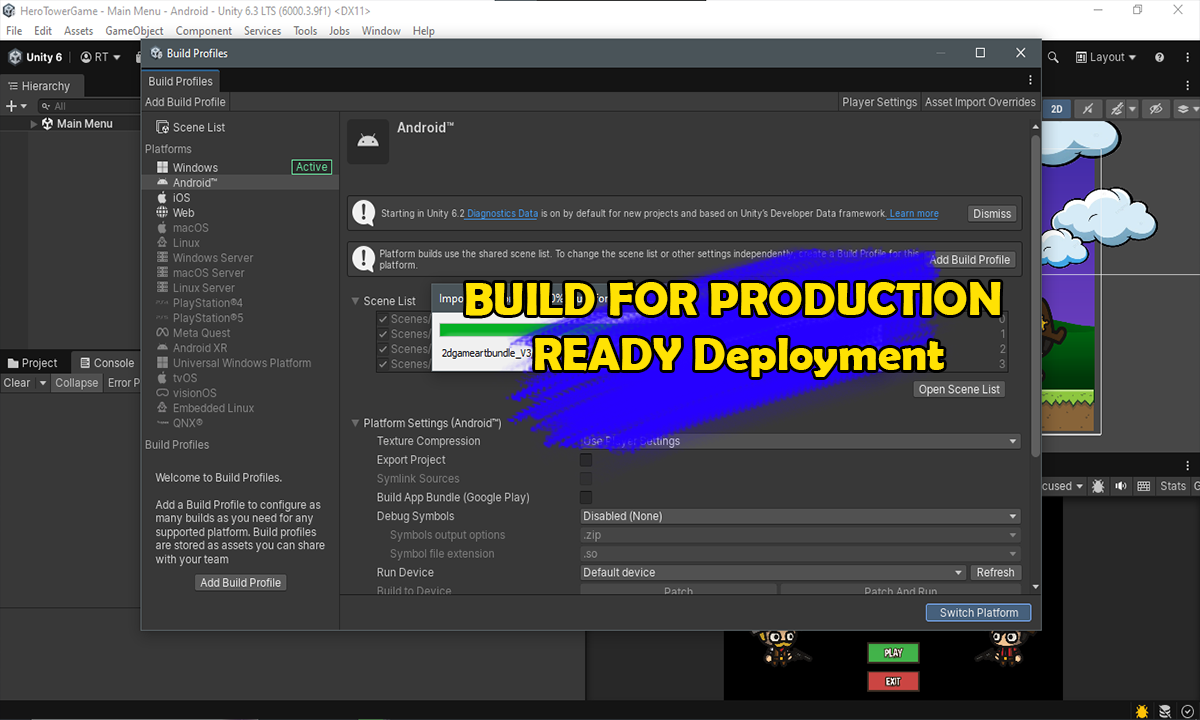
- Production readiness: I prepare the codebase for real users, deployment, and maintenance.
- System hardening: I implement safer architecture, validation, and better error policies.
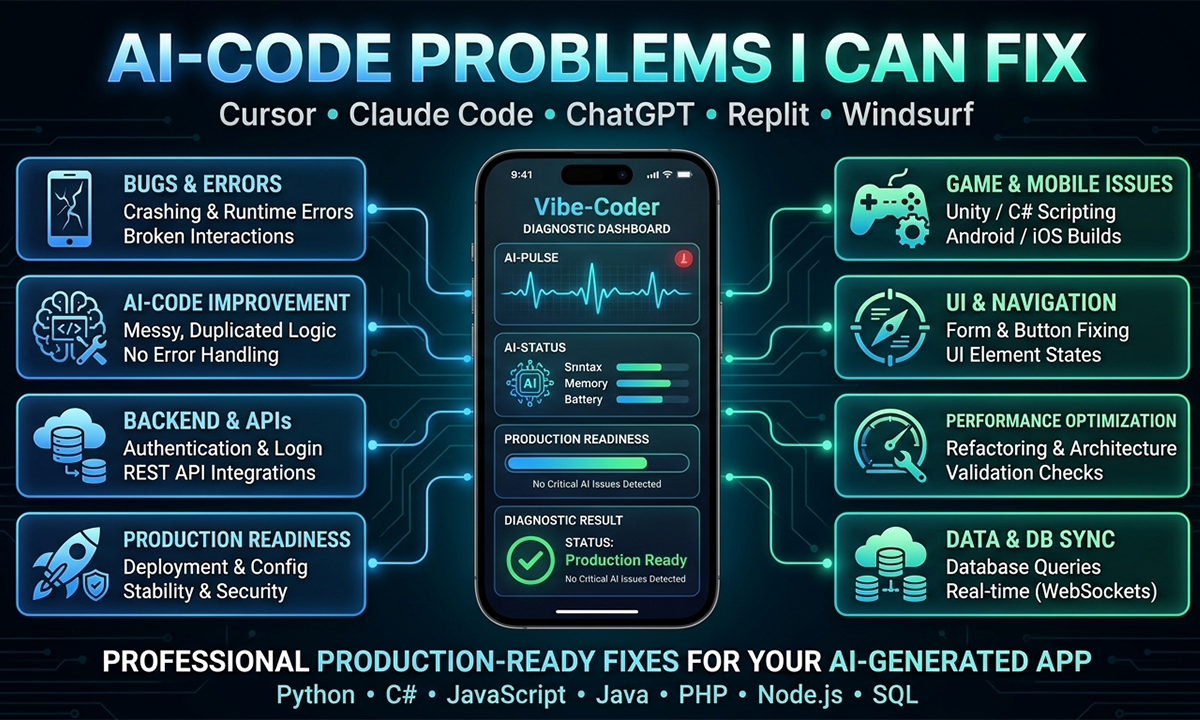
- Full-service support: Frontend, backend, authentication, database, and deployment coverage.
- Clear communication: I explain what failed, what changed, and what remains to maintain.
What I Help You Fix
Common AI Project Problems
- Broken buttons, forms, navigation, and user workflows.
- Authentication and session failures after repeated AI edits.
- Database insert, update, and read issues that block data flow.
- Broken API integrations and third-party service failures.
- Null values, undefined variables, and logic mismatches.
What I Deliver
- Root-cause debugging instead of temporary workarounds.
- Clean, maintainable code architecture for future updates.
- More reliable backend logic and stronger validation rules.
- Deployment and environment fixes for production behavior.
- Honest guidance on what is needed to make the app stable.
Technology Coverage & Engineering Depth
I work across modern and traditional stacks so a project can be repaired without forcing a rewrite when the original idea is still solid.

PHP
Backend logic, server routes, request handling, and production security fixes.

MySQL
Database repair, query troubleshooting, relational data integrity, and table optimization.

JavaScript
Frontend behavior fixes, broken UI logic, async flows, and runtime debugging.

TypeScript
Safer app logic and refactoring for AI-generated frontends that have drifted from working behavior.

Python
Automation scripts, API repair, data processing, and backend debugging support.

Unity & C#
Game and app logic repair for scripts, UI flows, gameplay state, and controller bugs.

AI-generated Code Review
Refactoring scattered AI output into a cleaner, maintainable codebase that can survive real use.

GitHub & Deployment
Version cleanup, safe changes, deployment troubleshooting, and environment alignment.
How the Fixing Process Works
Each project has its own issues, stack, and constraints, so I begin by understanding what is already working, what is broken, and what must be repaired for launch-day confidence.
Client Trust & Project Reviews
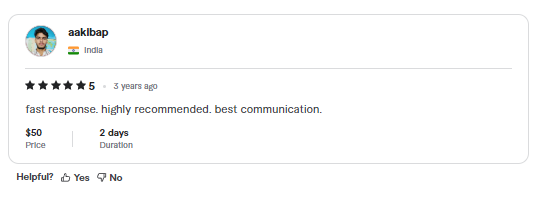
Feedback from previous work highlights the value of clear communication, reliable technical delivery, and careful engineering under pressure.
Let’s fix your project before it costs you more time and money
Inbox me now — it’s free to talk. I can review what is broken, explain the likely cause, and tell you the fastest safe path to production readiness.
Inbox Me on Contact Page